Available
Mini
The basics for a small crew
- Sites on a map
- Crew hours and timesheet
- Site photos
- Chat
- Documents in folders


Plats is a tool that keeps the whole work process together: hours, sites, photos, tasks and documents. By the end of the day you have the full picture. For construction, earthworks and heavy machinery companies that want the paperwork off the site.
Plats is in testing and companies join with an invitation from the developer. No app store needed: an invite link or QR code and a worker is in within 30 seconds.

00:00:00
Tap the green button: this is how a working day starts on a worker's phone.
1 tap and the clock runs. Finishing records when and on which site the work started and ended.
Works without signal. In basements and forests the app keeps everything and sends it when the signal returns.
6 languages in the app: Estonian, English, Russian, Finnish, Ukrainian and Latvian. Everyone sets it up the way it suits them.
Phone and desktop. A simple app for the crew, a full desk for managers. Same data, live.
Anyone whose work happens outdoors, on a construction site or on several sites at once.
Sites, subcontractors, site diary and hand-over acts.
Trenches, pits and backfill: photos before and after, quantities in the task.
Operator hours per site, machine booking, maintenance and who has it.
A long site as a line on the map, not a circle: the start counts from the route.
Water, sewer, cable: the route on the map, photos from every manhole.
Briefings with signatures, documents and drawings in the site folder.
Many small sites a day, each with its own hours and photos.
Safety briefings, contracting chain and who is on site right now.
This is what Plats looks like on an ordinary working day at a small construction company. Every step exists today.
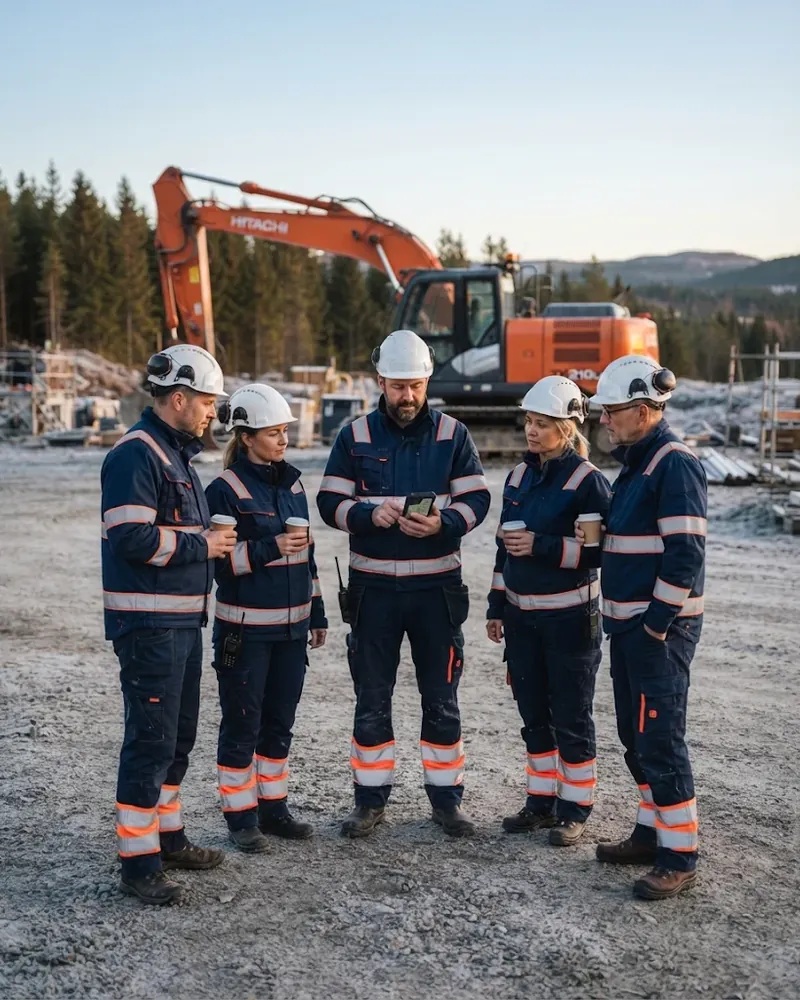
Marko taps “Start work”. Plats records that he's inside the site area and the foreman sees a green dot in the live view.
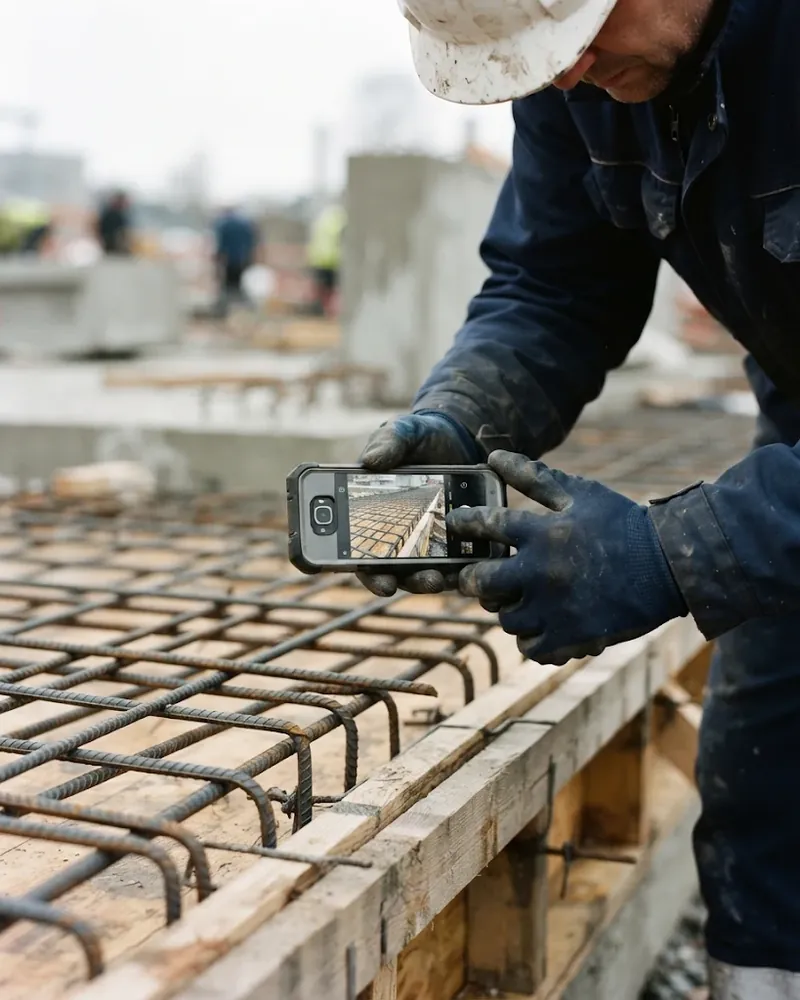
The rebar cage in the picture, a note on the picture, site and time stamped on it. The manager sees it at once. The client can get a link, a PDF or the original photos.
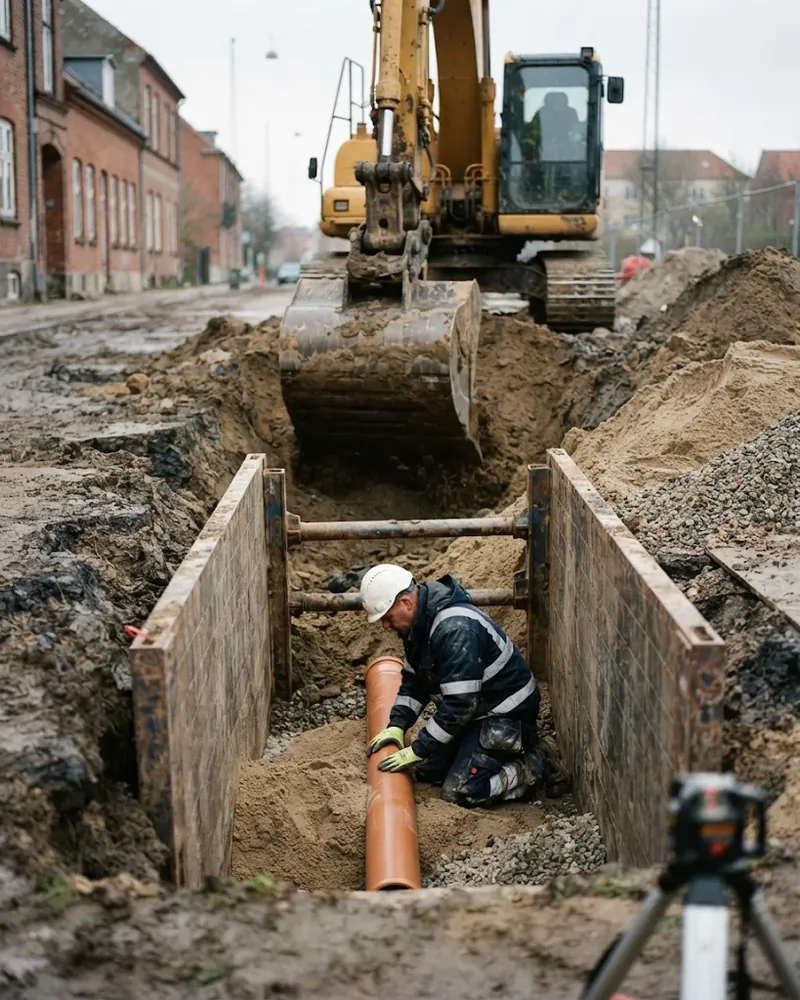
The task “Sewer trench, 40 m” is on the phone with the drawing. If someone is planned elsewhere at the same time, the planner shows a warning.
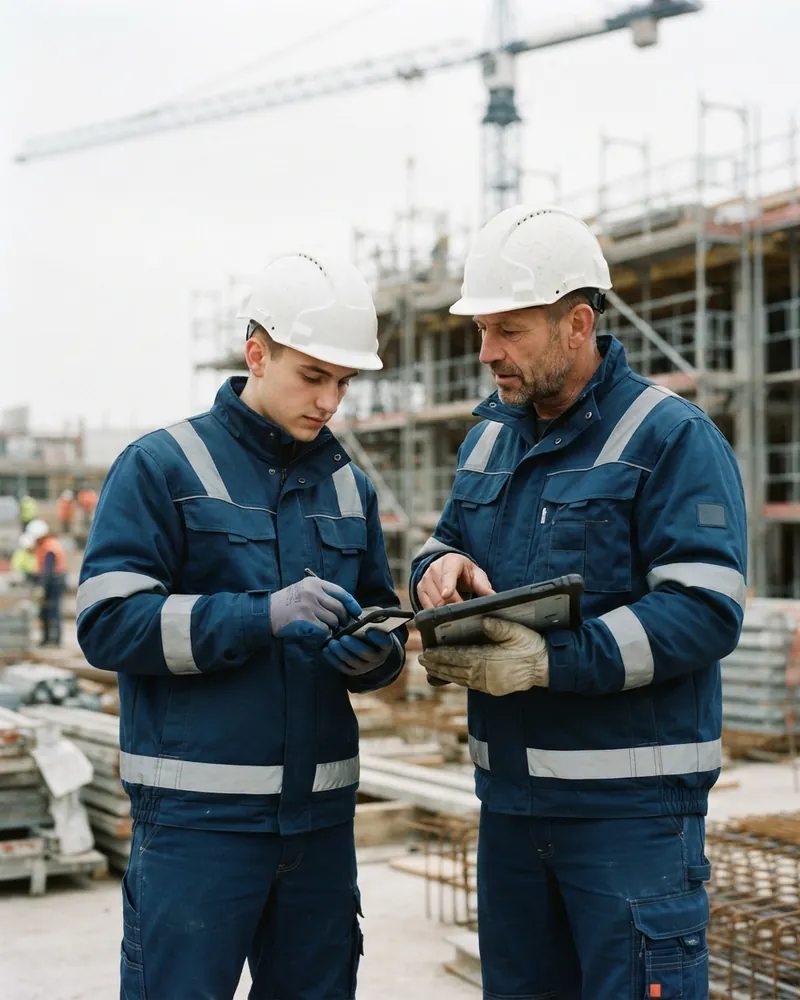
A new subcontractor reads the safety briefing, answers a short test and signs with a finger. Without it he can't check in on site.
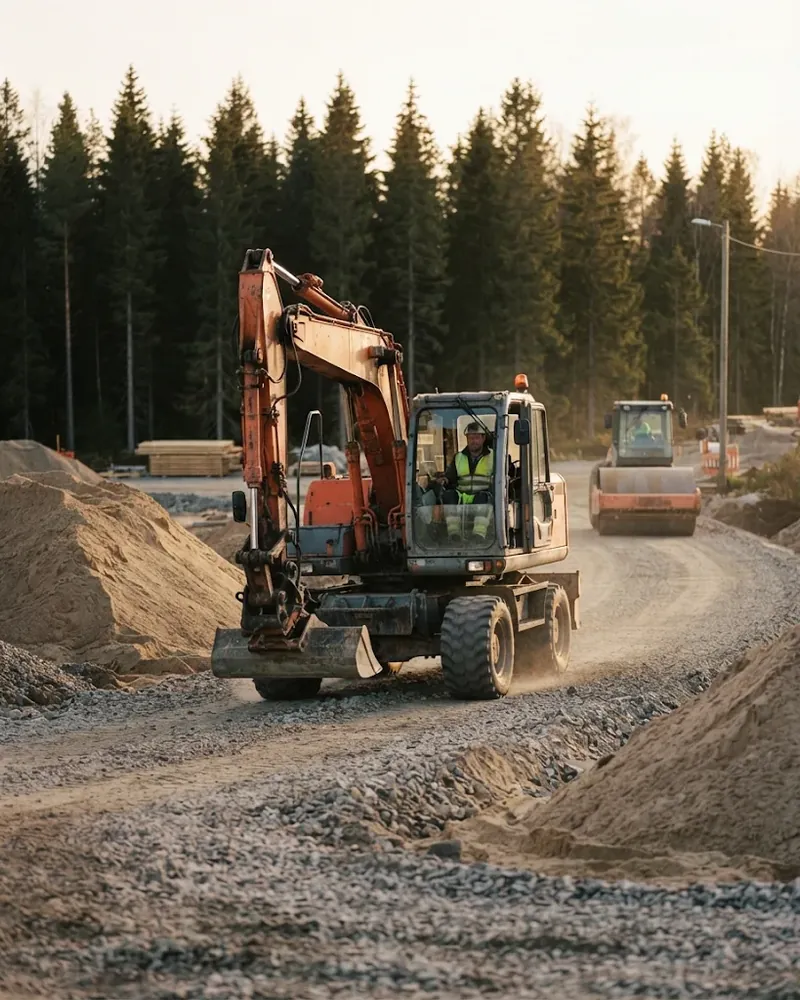
The excavator moves to the next site. The booking is in the calendar, the QR code shows who has the machine and when it's due for service. The operator's hours land on the right site.
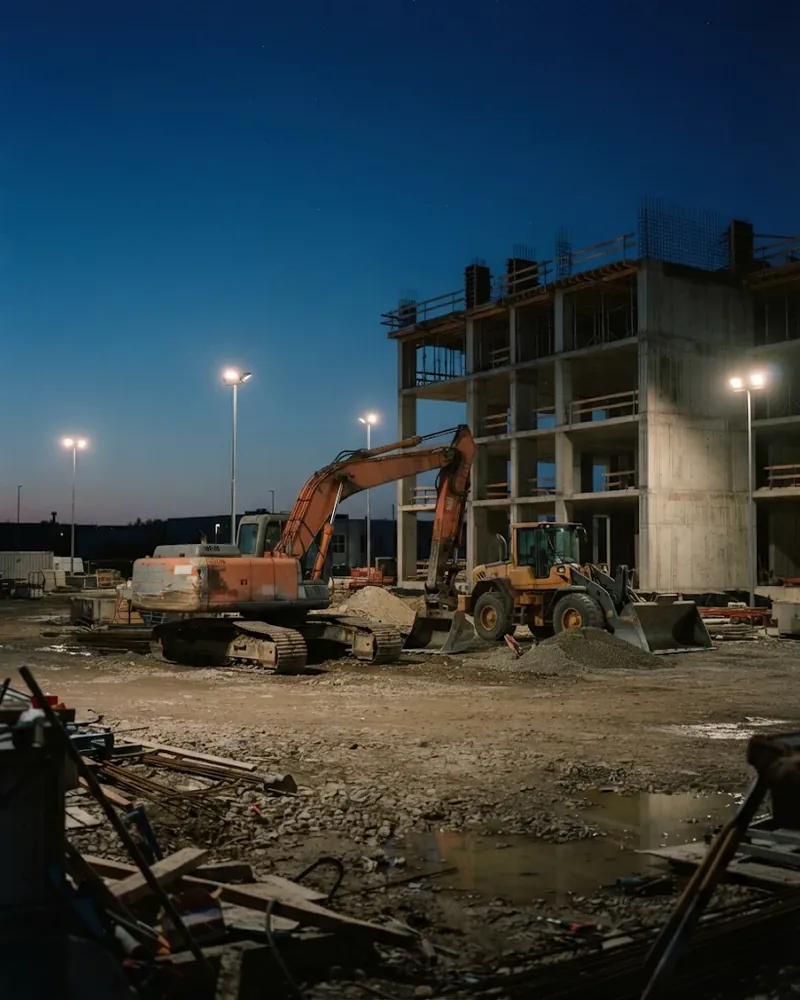
The crew finishes, the site diary fills itself with weather and completed work, the manager signs. At month end the timesheet goes to the accountant with one button.
Plats isn't one big spreadsheet for everyone. Workers see only what they need, managers see the whole picture and accountants get finished numbers.
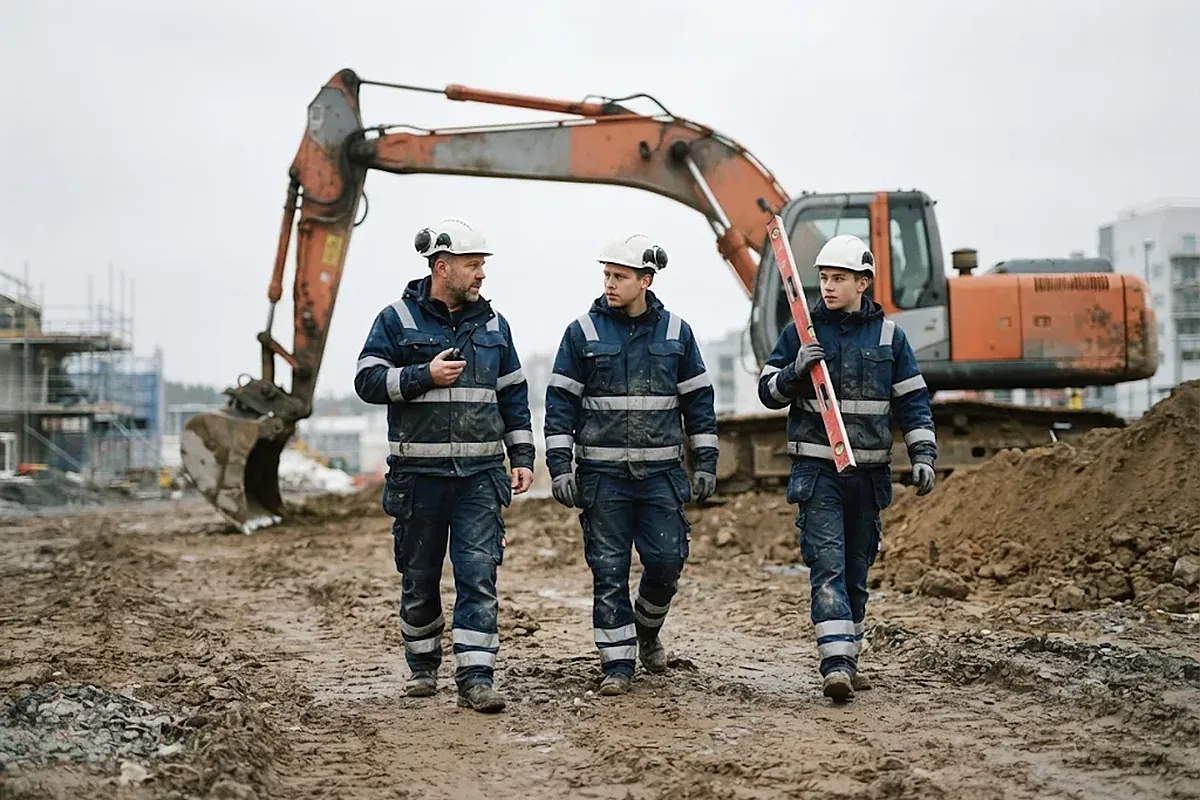
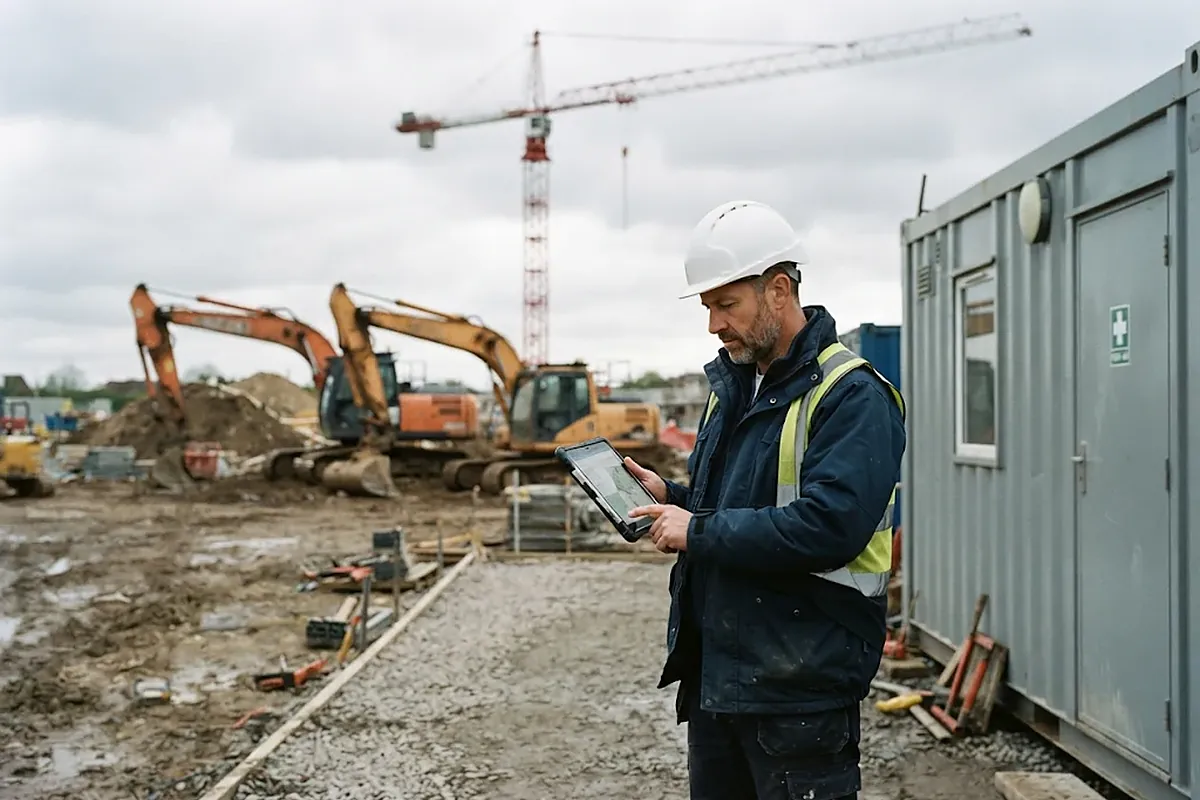
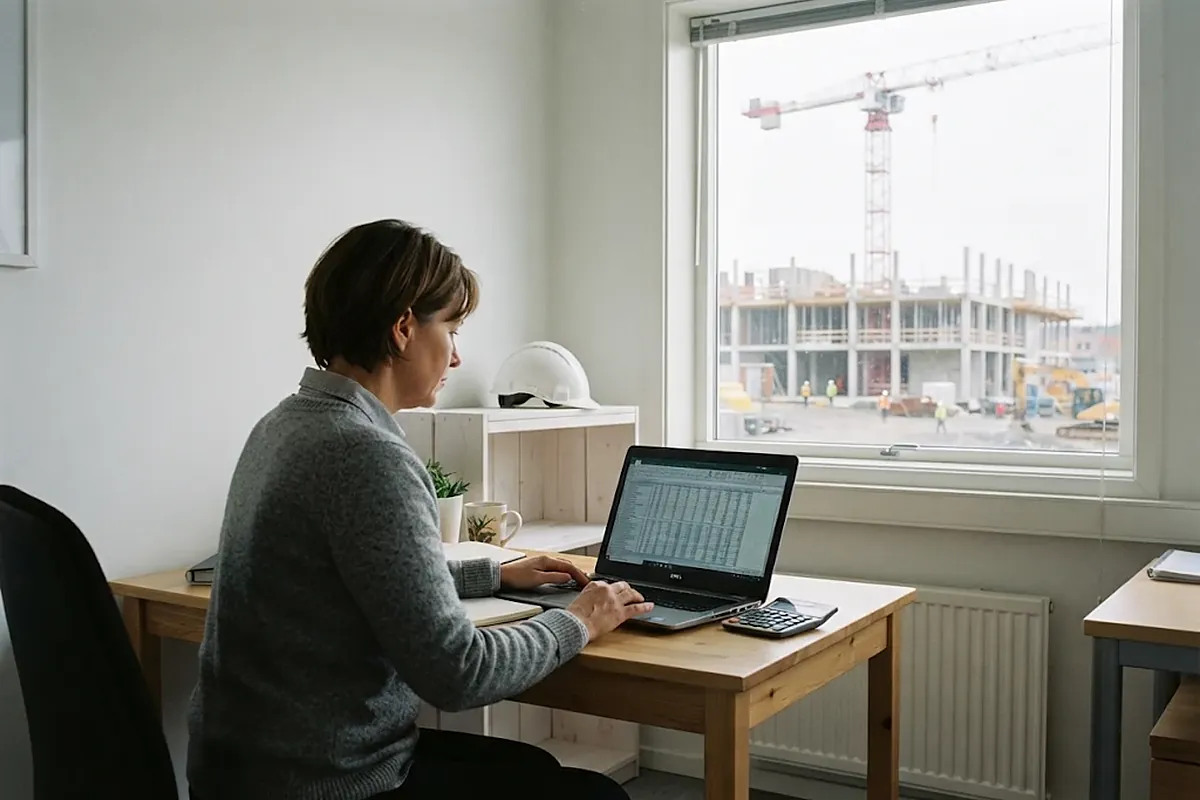

No need to phone everyone in the evening. Plats collects the day in one place and shows how it went.
The list is long because a site has a lot going on. All of it works today.
During testing the Mini plan is available. Standard and Pro follow once they are ready and tried out.
Available
The basics for a small crew
More management and documents
Everything a construction company needs
Companies currently join with an invitation from the developer because Plats is in testing. Write to info@plats.work and we'll send one.
Plats isn't a finished product off the shelf. It's built together with the companies using it: every suggestion is read and many land in the app the following week.
Link workers to a site: only they and managers then see that site's documents, chat and diary.
Document folders, invites by email, a map under each photo showing where it was taken, company-wide chat.
Colour themes and light/dark mode in the app and on the desk.
Live view with a day feed: starts, finishes and photos in one stream.
Site routes as a line: a circle doesn't fit cable and pipe work.
Something missing? Tell us what slows your site down: info@plats.work
No. Plats is a web app: the worker opens the invite link or scans a QR code, picks a language and types their name. It can be added to the home screen like a normal app.
It won't pick up a shovel. But it knows exactly who dug, where and for how long.
The live view shows who is working and on which site, how long the clock has been running and which photos and work have been done. The map shows sites and the start and end points of working time.
The app stores taps and photos on the phone and sends them when the signal returns. The time stays correct.
Yes. The app speaks six languages, chat messages are translated and the site register shows the contracting chain.
Timesheets export to Excel, CSV or PDF and the monthly summary can go straight to the accountant's email. A direct payroll connection is in progress.
In the European Union (Frankfurt data centre). Each company's data is separated at database level and encrypted backups run every night.

The gate is still half closed: Plats is in testing and joining is by invitation. Write us a few lines about your company and we'll send an invite.